
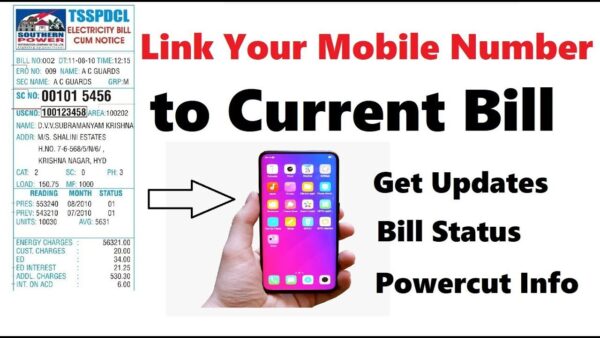
Here is the procedure to link your mobile phone number with your TANGEDCO Electricity Connection Number to facilitate sending SMS:
· Visit the official website of TANGEDCO: https://www.tnebnet.org/awp/login.
· On the Login column, click the option ‘Register Here’.
· On the column Service Number’, pick the option: Existing Service Connection Number.
· Subsequently, select the option ‘Region’ and select your Zone number out of the 9 Zone numbers displayed.
· Now, enter the details of your mobile phone number, etc. Now, the message that your mobile is linked to the Electricity connection number will be displayed.
· Henceforth, you will start receiving the SMS messages.
· Apart from this, you can also download the TANGEDCO App on your mobile and use this as well!


